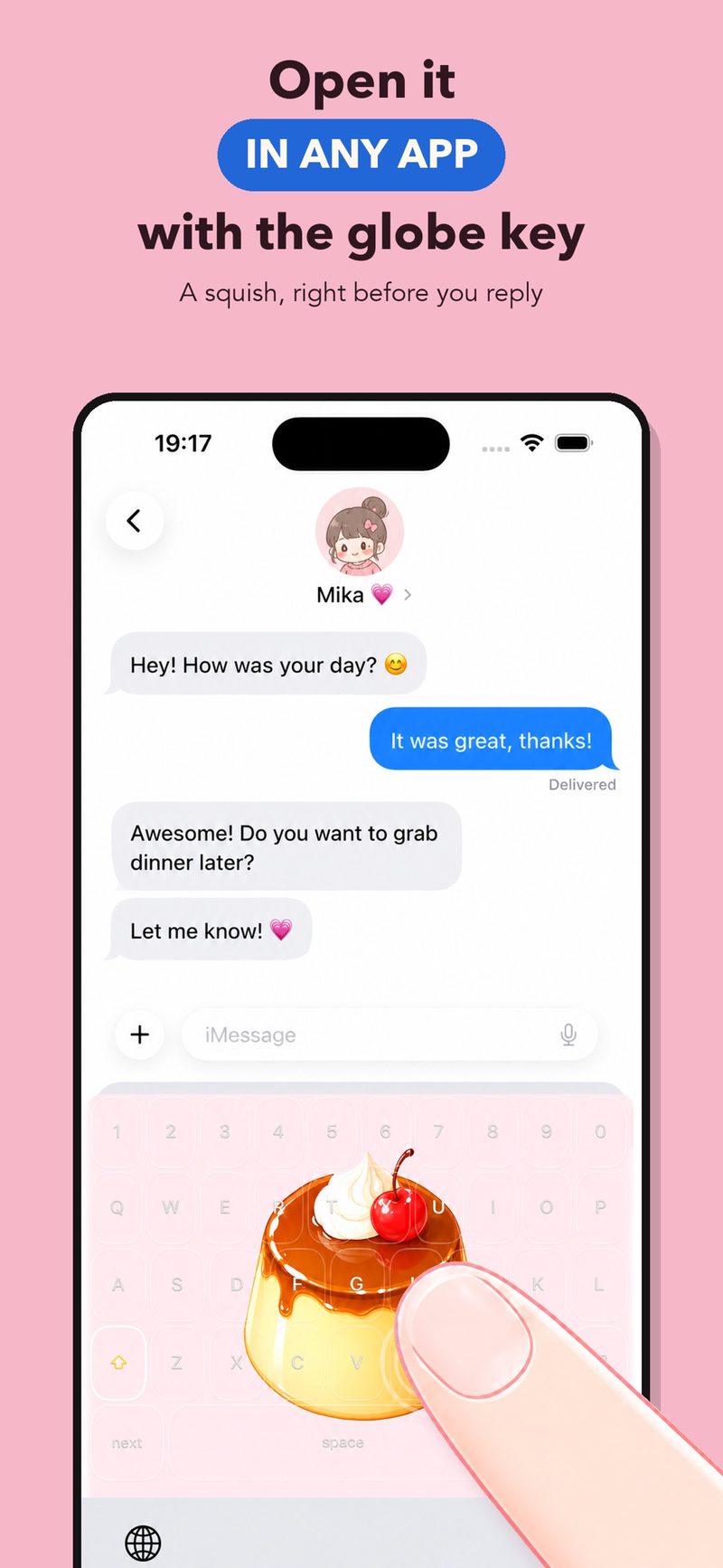
Open it in any app with the globe key
Long-press the globe key and choose MochiKey in replies, social apps or anywhere you can type. A squish, right before you reply.
 MochiKey
日本語
Squishy toy keyboard for iPhone
MochiKey turns your own photo into a soft squishy toy with quiet haptic feedback. Open it from the globe key for the tiny pauses: before you reply, while you wait, before bed.
Free to download. No sound, no score, no timer.
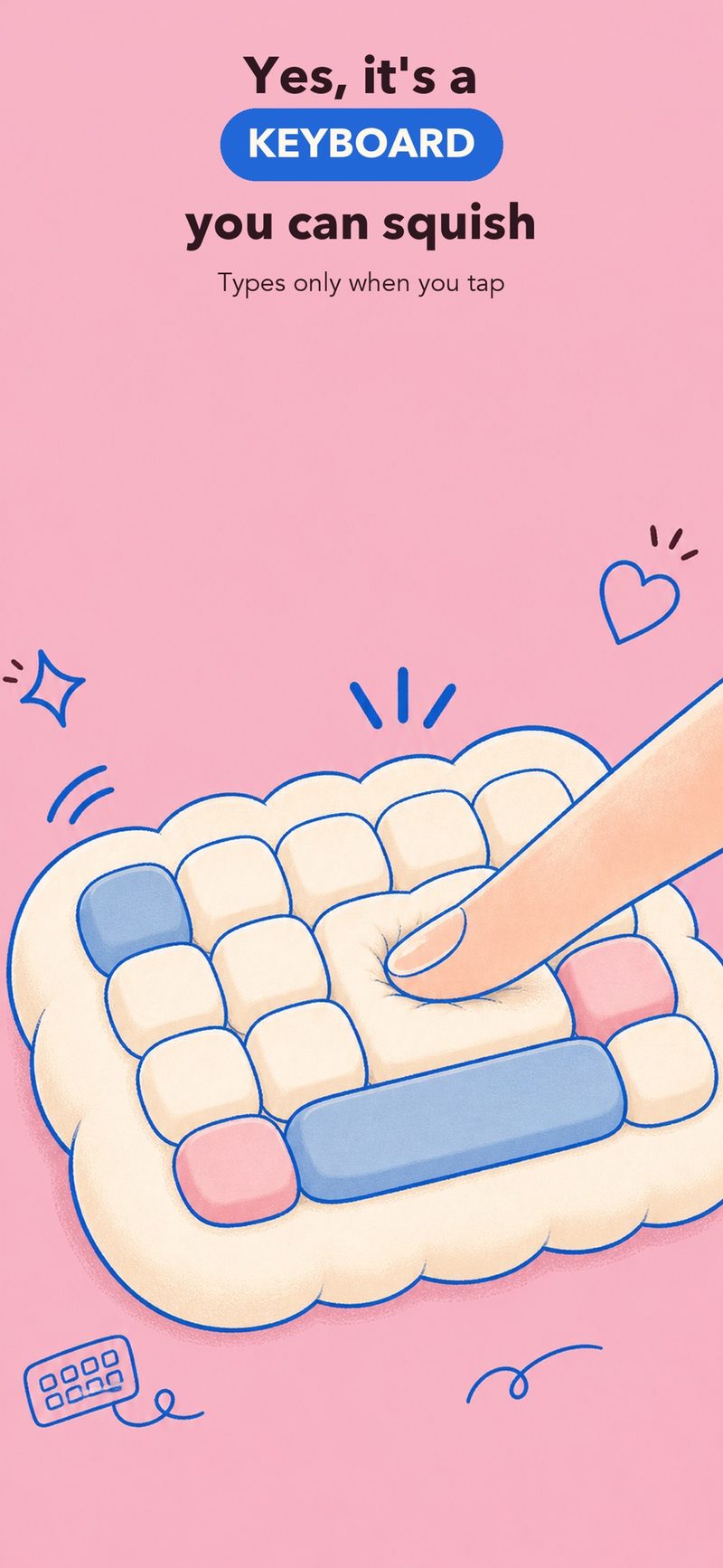
A toy first, a keyboard second. Four things it does.
Long-press the globe key and choose MochiKey in replies, social apps or anywhere you can type. A squish, right before you reply.
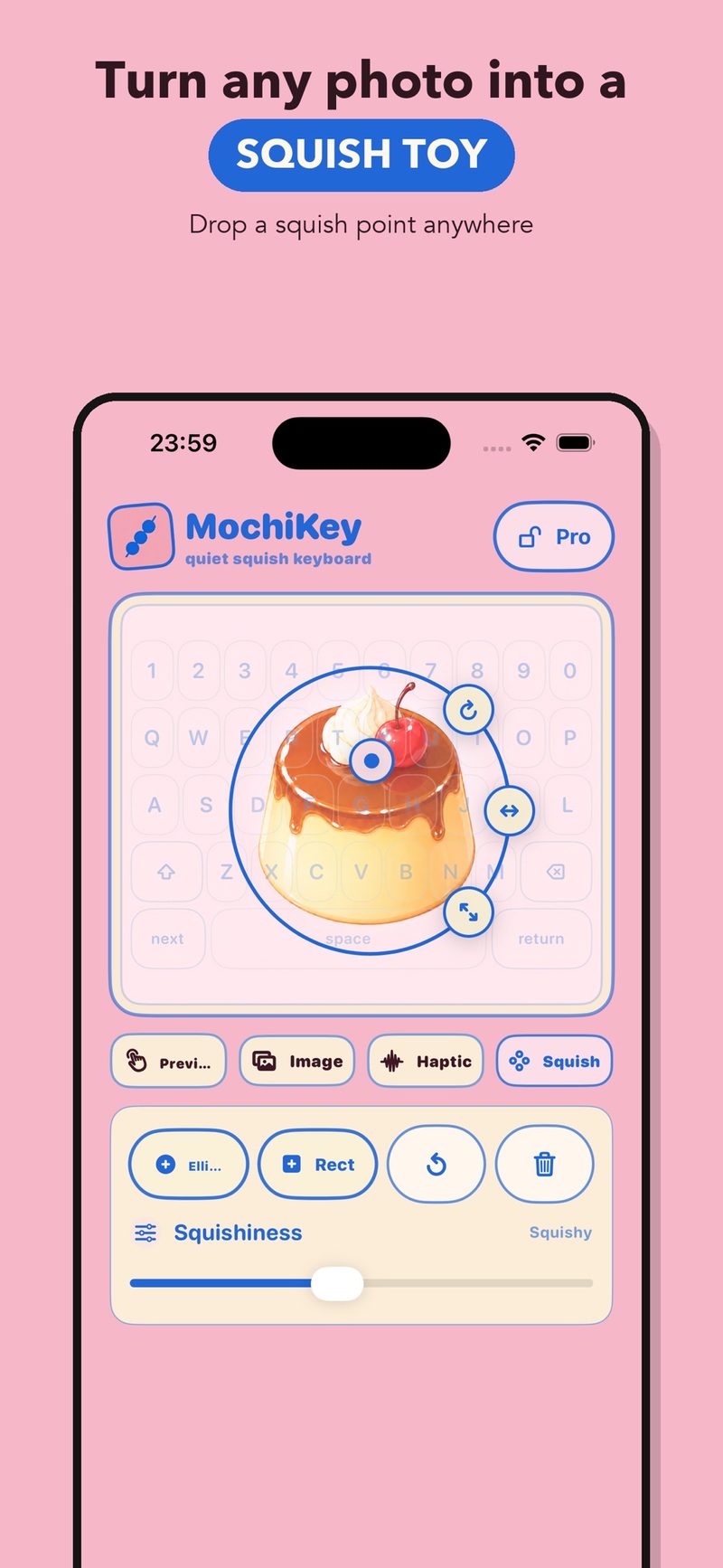
Pick a photo from your library as the keyboard background and place a squish point wherever you like. Free includes the custom photo background and one squish point; Pro adds more squish points.
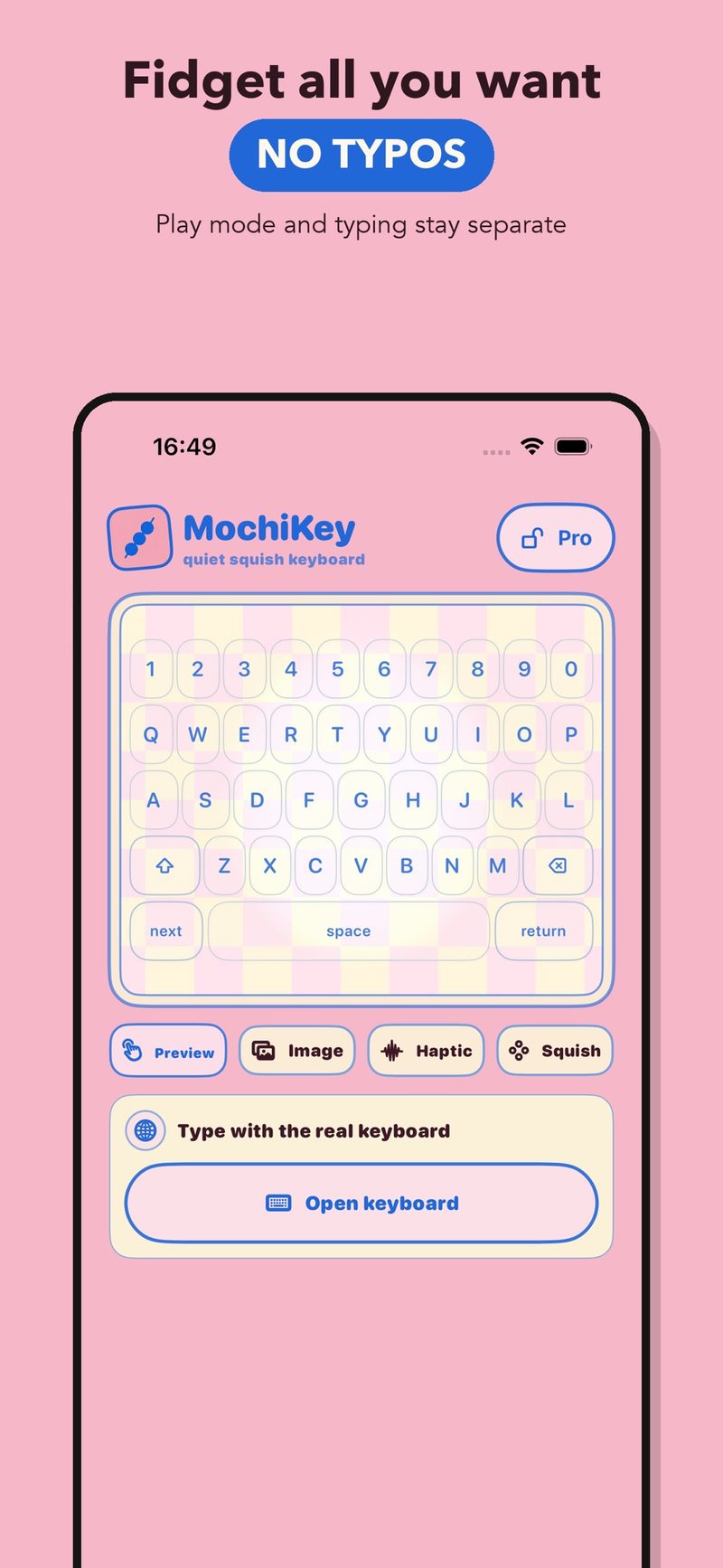
Rub the touch area for quiet haptic feedback. Play mode and typing stay separate, and you tap simple keys only when you want to type.
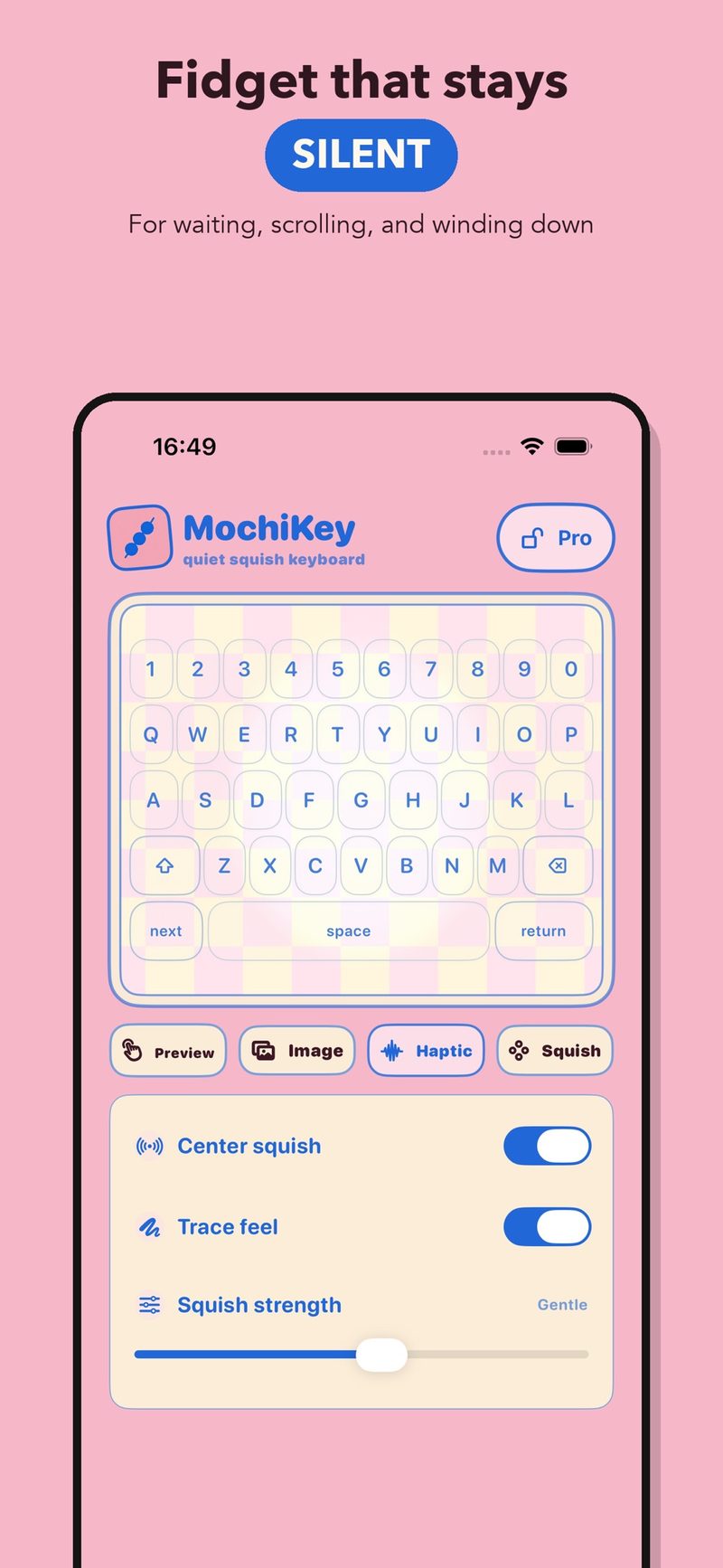
No sound at all. Tap it, rub it, mash it, and nobody hears a thing. Turn the center haptic and the haptic while swiping on or off and set the strength. Free has the basic haptic feel; Pro adds more haptic feel types.
Your own photo can become a squish toy too.
Open MochiKey and follow its short guide to the iOS keyboard settings, then turn on MochiKey.
Choose a photo for the background, place a squish point, and adjust how soft it feels.
In any text field, long-press the globe key and choose MochiKey. Rub the pad to squish, and tap a key when you need to type.
It is free to download. The free version has the basic keyboard, a custom photo background, one squish point and the basic haptic feel. Pro adds multiple squish points and more haptic feel types. It is bought inside the app, the price is shown there, and you can restore it with the same Apple ID.
It is not meant to. MochiKey is a soft little toy for tiny pauses, not a high-performance keyboard. You can tap simple keys when you need to type.
No. It is built to be fully silent. You feel it through haptic feedback, so it works while you wait or in a quiet room.
The privacy policy says the keyboard does not send your keystrokes, messages or passwords to MochiKey or to any third party. The keyboard supports Full Access so it can read the settings and photo backgrounds shared with the app. The privacy policy at the bottom of this page has the details.
The privacy policy says a photo you choose is processed and stored on your device to show it in the app, and you can delete the custom background in the app.
No. It is a tactile toy for small breaks. It does not diagnose, treat or promise to reduce any health condition.
iPhone with iOS 17 or later. The app is available in English, Japanese, Arabic, Russian and Traditional Chinese.
The listing is named Mochi Keys: Squishy Toy Pad in English, and もちキー in Japanese. It is the same app as MochiKey.
Free to download for iPhone.
Scan with your phone to open the store